
Frequently Asked Questions
Find comprehensive, transparent answers to questions regarding KY IPTV technology, supported hardware, network speeds, and account login procedures.
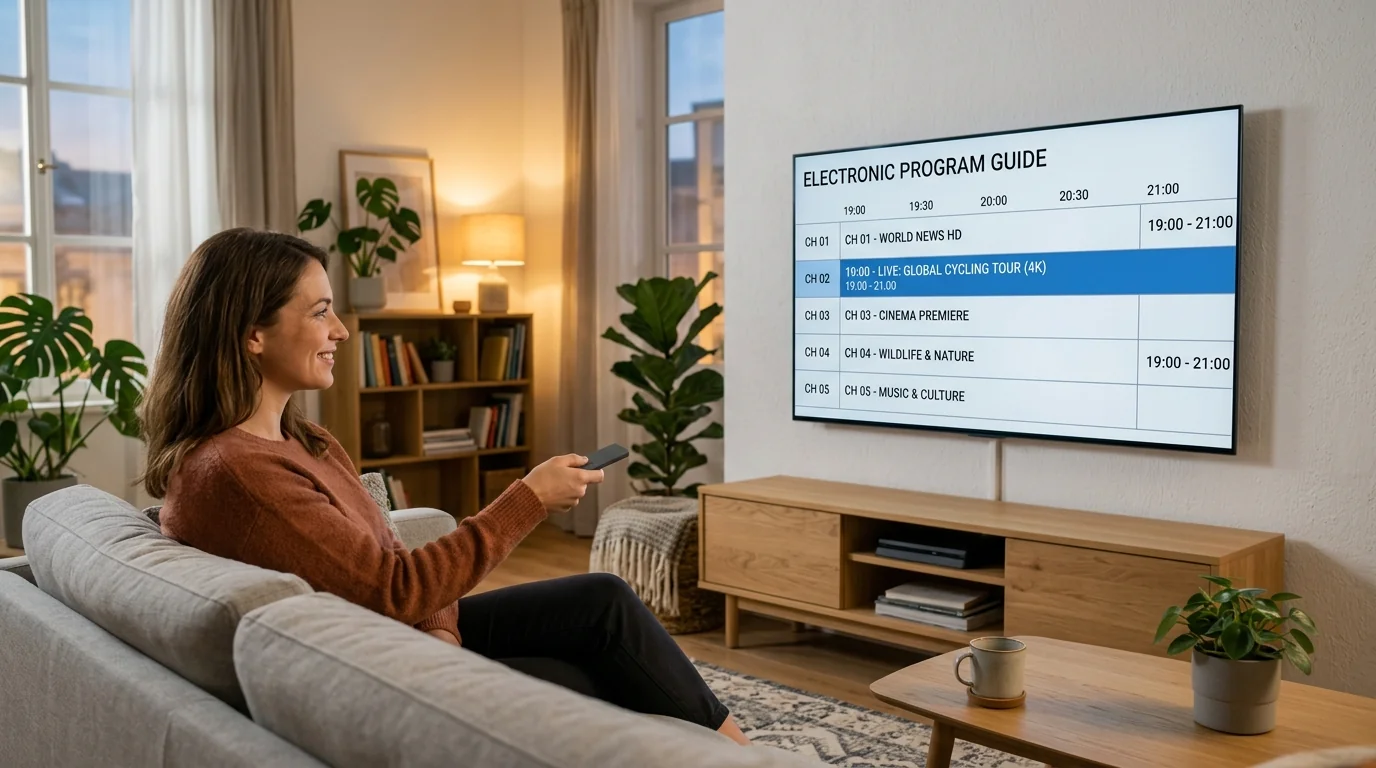
KY IPTV delivers linear live broadcast television and on-demand video over Internet Protocol (IP) networks rather than legacy cable cords or satellite dishes. Content is encoded using H.264 and HEVC codecs and routed to your device through adaptive streaming servers, letting you watch on devices you already own.
No. You do not need any dish or rented cable equipment. KY IPTV runs on open consumer hardware including Amazon Firestick, Apple TV, Android TV boxes, Smart TVs, iPads, and computers. All you need is an internet connection and a compatible player app.
Yes. Because streams are internet-based, you can access your channels on your mobile device, laptop, or portable Firestick whenever you connect to hotel Wi-Fi or mobile data, subject to your active connection limits.
For standard definition feeds, 8–10 Mbps is sufficient. For 1080p Full HD channels, 20–25 Mbps stable download speed is recommended. For 4K Ultra HD broadcasts, a connection speed of 35–50 Mbps via 5 GHz Wi-Fi or Ethernet provides the best buffer-free experience.
Xtream Codes API uses three simple inputs: Server URL, Username, and Password. It dynamically syncs channel categories, VOD libraries, and EPG schedules separately for faster navigation. An M3U playlist is a single text link containing all stream URLs in one file. Xtream Codes is widely favored for its speed and automatic guide synchronization.
Yes. KY IPTV is fully compatible with popular VPN services using WireGuard, OpenVPN, or IKEv2 protocols. Using a VPN can prevent ISP bandwidth throttling during peak sports matches and protects your browsing privacy.
This usually occurs when the player's local XMLTV cache has expired or your device's internal clock is incorrect. Go to your player settings, select "Clear TV Guide Data", then click "Update EPG". Ensure your device time is set to automatic network time.
The recommended application is the official KY IPTV App, which can be installed immediately by entering code 9501936 in the Downloader app. For third-party players, TiviMate IPTV Player and IPTV Smarters Pro are also fully supported.
Yes. On Samsung (Tizen) and LG (webOS), you can download apps like IBO Player, Smart IPTV, or Nanomid directly from the TV's official app store. You then link your playlist via the player's web portal using your TV MAC address.
On Apple TV, download IPTV Smarters Lite, GSE Smart IPTV, or UHF from the App Store. Open the app, choose "Login with Xtream Codes API", and enter your Server URL, Username, and Password.
Subscribers use their billing email and password to access the customer management portal (such as KY-TV.cc client area) to view active service terms, renew plans, or submit support tickets. Inside player apps like TiviMate or Smarters Pro, you input your separate streaming API credentials (Server URL, Stream Username, Stream Password). See our KYTV Login Guide for full details.
First, carefully verify that no trailing space was inserted after your username or password by mobile autocorrect. Ensure uppercase and lowercase letters are exact. If the issue persists, verify that your server URL includes http:// and the correct port number.
Yes! KY IPTV supports multi-device streaming for up to 5 devices simultaneously. With our multi-device plans, your household can watch independent live channels in 4K on the living room TV, stream series in bedrooms, or catch up on mobile devices concurrently with zero stream conflicts.
Have a Question Not Answered Here?
Reach out directly to our support team or explore our detailed technical walkthroughs.