Hardware & Platform Compatibility
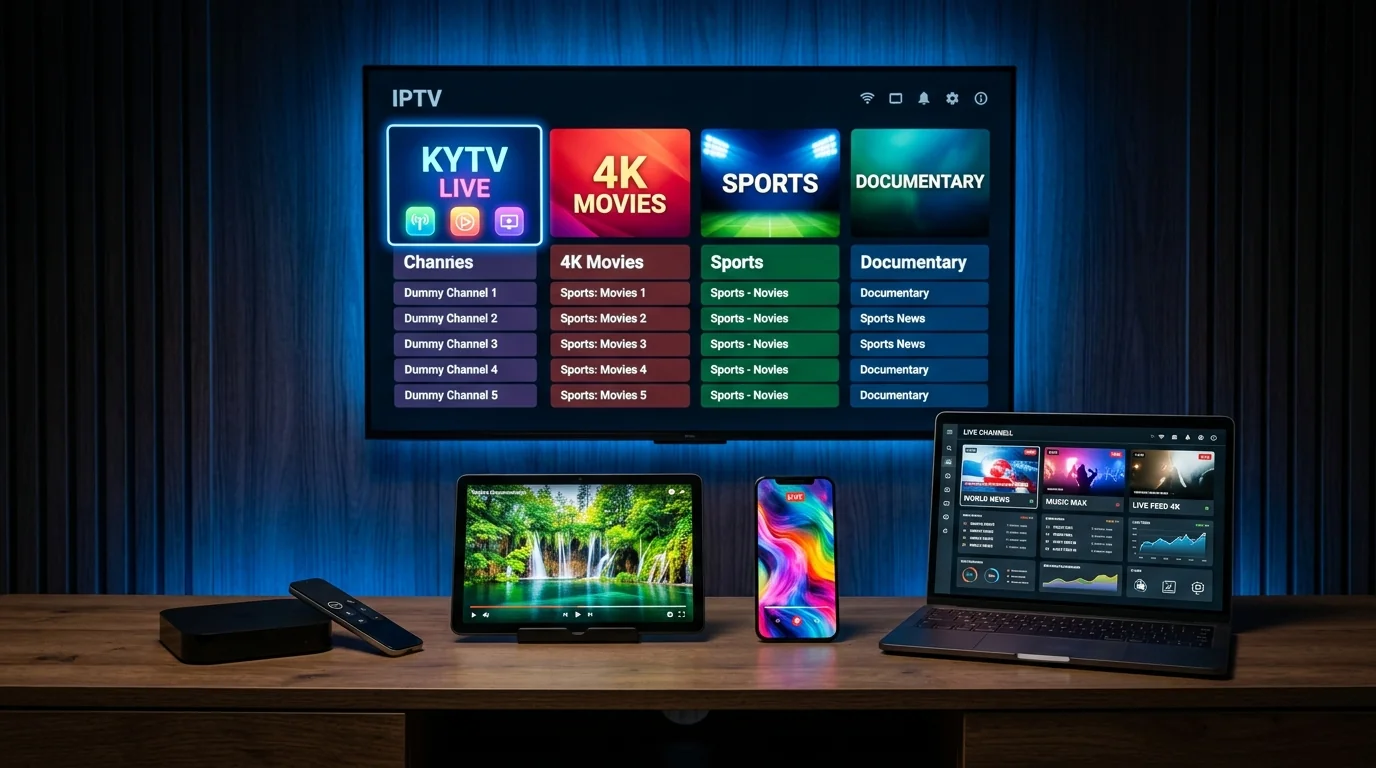
KY IPTV functions seamlessly across popular consumer streaming hardware. Explore recommended client applications and optimal settings for each ecosystem.
Amazon Fire TV & Firestick
Downloader Code: 9501936Amazon Fire TV devices (including Fire TV Stick 4K, Fire TV Stick 4K Max, Fire TV Cube, and smart TVs with Fire OS) represent the most widely used streaming platform for IP television. They feature dedicated hardware decoders capable of 60 fps playback and support seamless sideloading via the official Downloader application.
Android TV & Google TV
Native Google Play StoreDevices running official Android TV or Google TV (such as NVIDIA Shield TV, Chromecast with Google TV, Xiaomi TV Box S, and televisions from Sony, Philips, and TCL) allow direct installation of top IPTV apps directly from the Google Play Store without sideloading.
Apple TV (tvOS), iPhone & iPad (iOS)
Apple EcosystemApple TV 4K provides some of the fastest raw hardware performance available in home streaming. Client apps can be downloaded from the official iOS and tvOS App Store, syncing your channel favorites seamlessly across iPhone, iPad, and your television via iCloud.
Samsung Smart TV (Tizen) & LG Smart TV (webOS)
Built-in TV AppsModern Samsung and LG smart TVs support dedicated IPTV applications directly via their respective app stores (Samsung App Store and LG Content Store). These apps utilize the TV's native media framework and your remote control's directional buttons.
Windows & macOS Computers
Desktop StreamingWatch television streams on your desktop or laptop using desktop media suites. PC and Mac systems offer high rendering power, multi-window productivity, and support for hardware decoding on both Intel, AMD, and Apple Silicon chips.
MAG Set-Top Boxes & Formuler
Dedicated MiddlewareDedicated IPTV set-top boxes (Infomir MAG 254, 322, 421, 520, and Formuler Z-Series running MyTVOnline) use hardware MAC address authorization linked to a Stalker middleware portal URL.
Recommended Device Hardware Specs
For the best experience without UI lag or memory crashes when loading large channel playlists:
| Hardware Tier | RAM | Processor / GPU | Example Devices |
|---|---|---|---|
| Premium Experience | 2 GB – 3 GB+ | Quad-Core 2.0 GHz+ (Amlogic S905X4, A15 Bionic, Tegra X1+) | Apple TV 4K, Fire TV Cube, Firestick 4K Max (Gen 2), NVIDIA Shield |
| Standard Home Streaming | 1.5 GB – 2 GB | Quad-Core 1.5 – 1.7 GHz (MediaTek / Realtek) | Fire TV Stick 4K (Standard), Chromecast with Google TV, Onn 4K Pro |
| Entry-Level / Budget | 1 GB | Dual/Quad 1.2 GHz | Older Firestick Gen 2/3, older smart TV built-in processors |
Tip: On devices with 1 GB RAM, we recommend keeping your favorite channels list curated and clearing the app cache periodically to maintain fast EPG navigation.
Ready to Install on Your Device?
Select your platform in our step-by-step setup guide and follow the simple walkthrough.