
KYTV Login & Subscriber Portal Guide
Everything you need to know about accessing your KYTV login portal, retrieving your stream credentials, and troubleshooting common authentication errors.
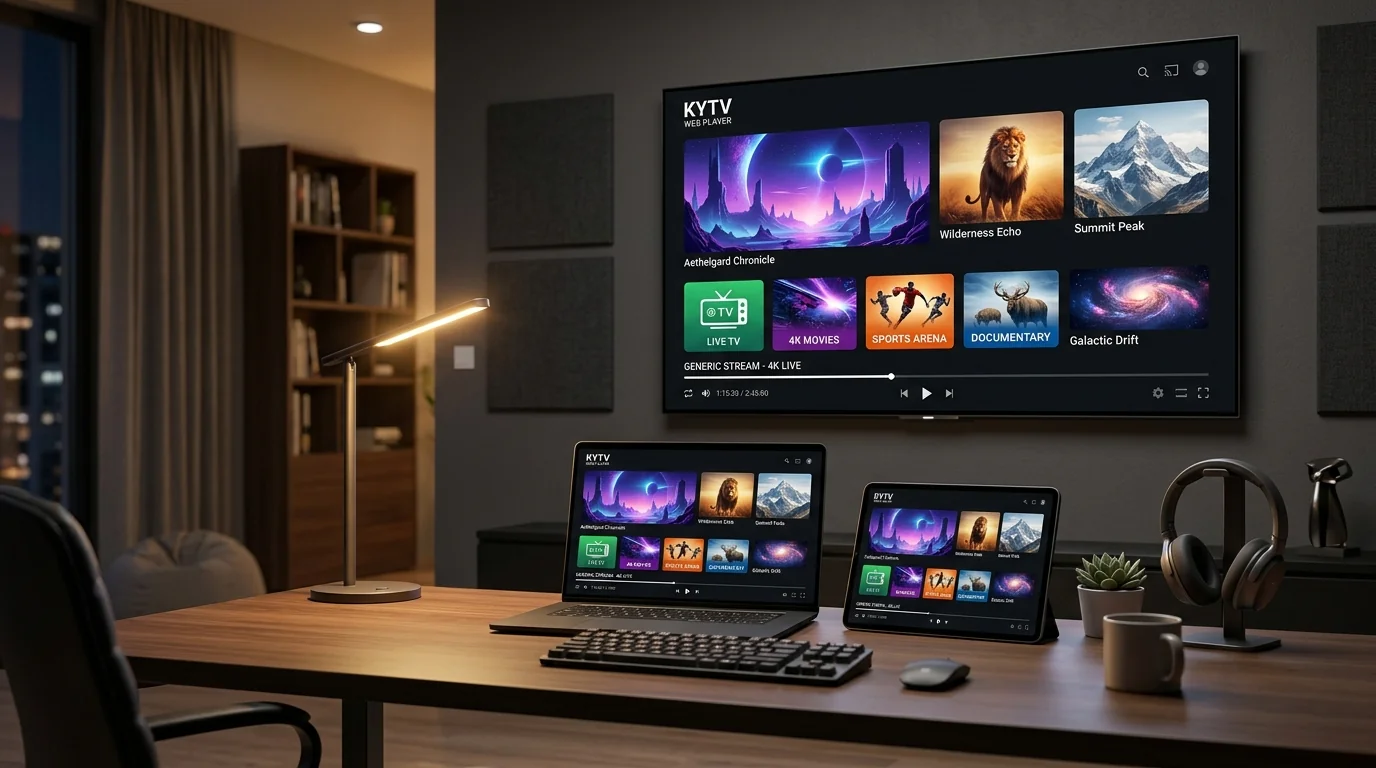
1. Client Management Portal vs. Media Player Login
Whether your subscription was provisioned for KY IPTV or labeled under related identifiers like KYTV IPTV or KY TV, users will interact with one of two distinct login methods depending on what they need to accomplish:
Subscriber Web Portal
Often hosted at customer management domains such as KY-TV.cc or your provider's billing dashboard.
- Used with your Email address & master account password.
- View active plan dates and renewal invoices.
- Retrieve or reset your streaming API username and password.
- Register or update your MAG device MAC address.
Media Player API Login
Used inside applications like TiviMate, IPTV Smarters Pro, and IBO Player on your television or mobile screen.
- Requires Server URL (e.g.
http://portal.domain:80). - Requires your dedicated Stream Username.
- Requires your dedicated Stream Password.
- Directly streams channels and synchronizes EPG.
2. Step-by-Step: How to Retrieve Your Stream Credentials
If you cannot find your streaming login details, follow this standard recovery procedure:
- Inspect Your Welcome / Activation Email: Search your email inbox (and Spam/Junk folders) for emails containing keywords like "KY IPTV", "KYTV", "Subscription Activated", or "M3U / Xtream Codes Information".
- Log into the Customer Portal: Visit your account management portal (e.g., KY-TV.cc client area). Enter your registered billing email and password.
- Navigate to Active Services: Go to Services → My Services → Manage Subscription.
- View Streaming Details: Under the service details tab, you will see your active Server URL, Username, and Password, as well as your full M3U playlist link.
3. Troubleshooting Common Login & Authentication Errors
If your media player displays an error message when submitting your credentials, review these common causes and verified fixes:
Cause: In 90% of cases, this is caused by autocorrect or an accidental whitespace character entered at the end of the username or password field.
Fix: Delete the fields completely. Type them manually with exact case sensitivity (capital letters and numbers matter). Make sure no space was automatically added after typing your username.
Cause: The Server URL entered into your player contains a typo, is missing the leading http:// protocol, or is missing the port number (e.g. :80 or :8080). Alternatively, your ISP's default DNS server is failing to resolve the stream hostname.
Fix: Double check the exact Server URL format. If the URL is verified correct, change your device's DNS settings to Cloudflare (1.1.1.1) or Google DNS (8.8.8.8).
Cause: Your subscription billing period has concluded, or an automated invoice renewal did not clear.
Fix: Log into your subscriber portal to verify the subscription status and invoice history. Once renewed, your existing credentials reactivate immediately without needing to reinstall the player app.
Cause: More devices are streaming simultaneously than your plan allows (e.g., 2 screens running on a 1-connection plan), or an app on a secondary TV was put on standby without being formally closed.
Fix: Force close the IPTV application on any secondary TVs, tablets, or phones. Wait 60 seconds for the server to register the closed session, then reopen your channel.
4. Account Security Best Practices
To keep your account active and prevent unauthorized access:
- Never post your M3U link or API credentials online: Forums, social media, and paste sites often scrape public URLs. If unauthorized users stream from your link, your active connection will be interrupted.
- Keep your subscriber portal password distinct: Do not reuse the password you use for other email or social accounts.
- Store your details securely: Save your server address and account details in a password manager for rapid reference whenever you add a new television to your household.
Still Having Trouble Logging In?
Our technical support team can help verify your server status, reset credentials, or assist with media player setup.